
Advertisement
Click to download now, finish the installation quickly, and directly unlock the all-round experience
Advertisement
Screenshots
Click to download now, finish the installation quickly, and directly unlock the all-round experience
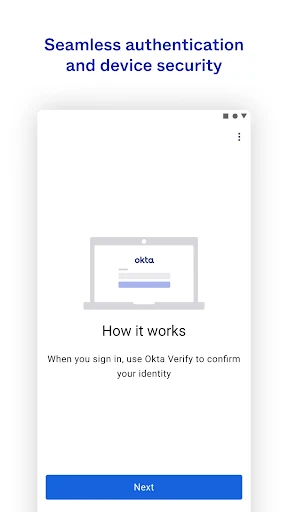
Okta Verify is a two-step sign-in app for people who use Okta to access work accounts and other protected services. It adds a second check after a password, helping confirm that the person signing in also has the enrolled phone. It is mainly suited to employees, contractors and students whose organisation uses Okta for identity management.
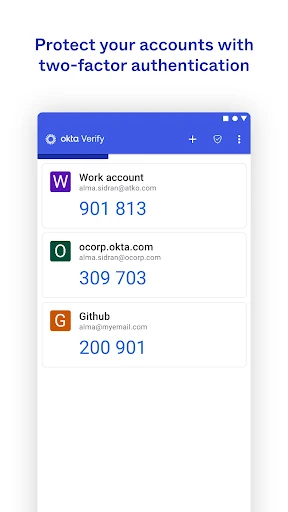
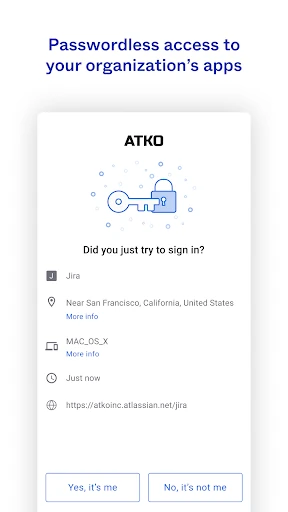
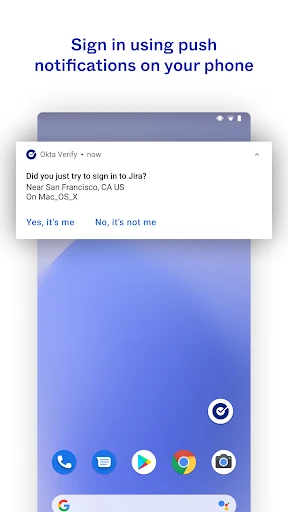
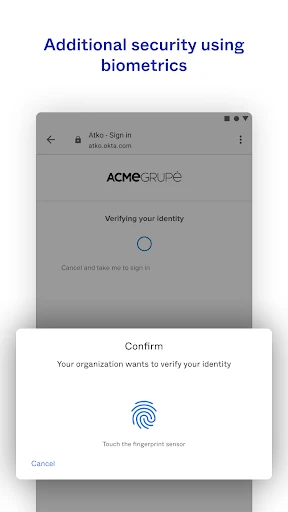
When a login request arrives, Okta Verify can let the user approve it from a notification rather than type a code. The app also supports temporary six-digit verification codes, including codes that can be used without an active internet connection. Depending on the organisation’s settings, a fingerprint or face check may be available on the device as an additional confirmation.
Okta Verify is not a general password manager or a standalone account-security tool. Its usefulness depends on an organisation having Okta configured and enabling the relevant verification methods. Someone installing it without an Okta-managed account may have little to do inside the app. The exact sign-in options can also vary between organisations.
Okta Verify is listed in Productivity and is made by Okta Inc. It has a rating of 4.49 out of 5 from 40,296 reviews, with 10,000,000+ installs. Those figures suggest broad use, but the important question for a shared or family phone is whether the intended user’s workplace or school actually relies on Okta.