Microsoft OneDrive
Microsoft Corporation
Downloads
5,000,000,000+
Version
Latest
Advertisement
Click to download now, finish the installation quickly, and directly unlock the all-round experience
Advertisement
Screenshots

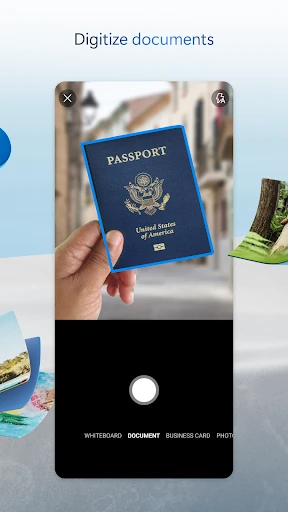
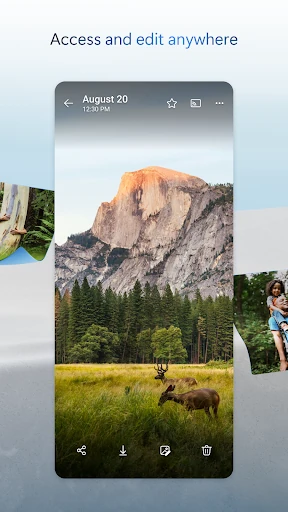
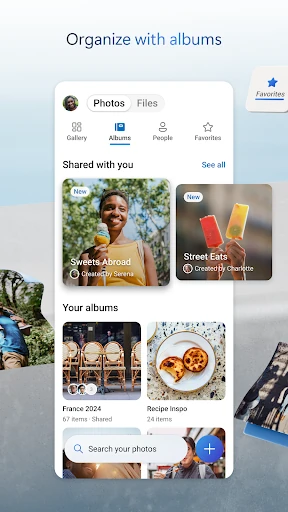
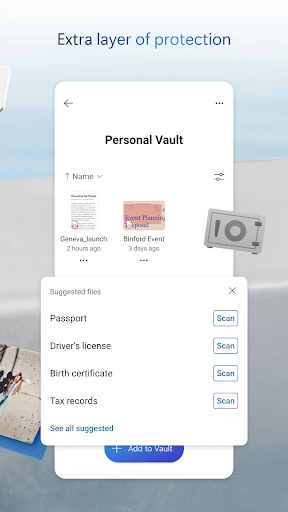
Click to download now, finish the installation quickly, and directly unlock the all-round experience
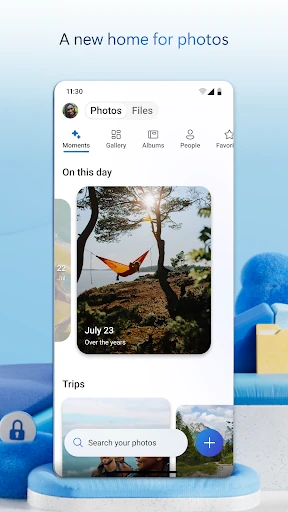
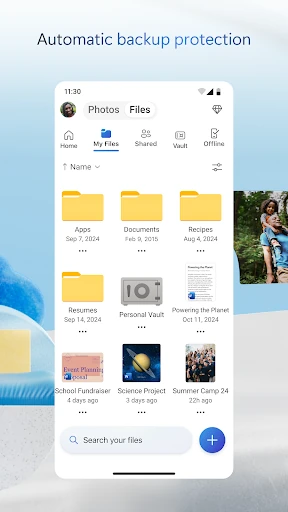
Microsoft OneDrive is a cloud storage and file management app for Android. It lets people keep documents, photos and other files in one place, then reach them from a phone, tablet or computer. It is a natural fit for people who already use Microsoft services, including Word, Excel and other Microsoft 365 tools.
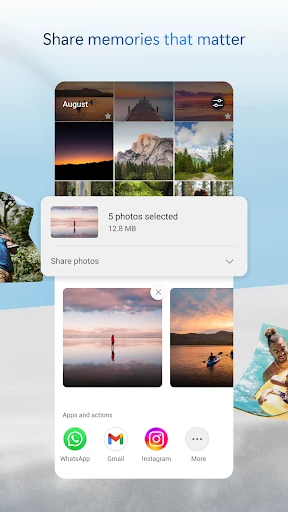
The app can back up photos and videos from a mobile device, which may help protect personal media if a phone is lost or damaged. Files can be shared with other people, and Microsoft Office documents can be opened and edited across devices. OneDrive also includes document scanning, along with tools for signing and marking up scanned paperwork.
OneDrive has a 4.62 out of 5 rating from more than 6.8 million reviews. It is listed with 5,000,000,000+ installs, so it is already familiar to a very large Android audience. Those figures show broad use and generally positive feedback, although they do not indicate whether it suits a particular family member or shared device.
It may suit students, office workers and households that share files through Microsoft accounts. It is less compelling for someone who only wants a simple photo backup tool and does not use Microsoft’s wider services. The listed developer is Microsoft Corporation, which makes the app’s connection to the Microsoft ecosystem clear.