
Offline Map Navigation
VirtualMaze
Downloads
5,000,000+
Version
Latest
Advertisement
Click to download now, finish the installation quickly, and directly unlock the all-round experience
Advertisement
Screenshots
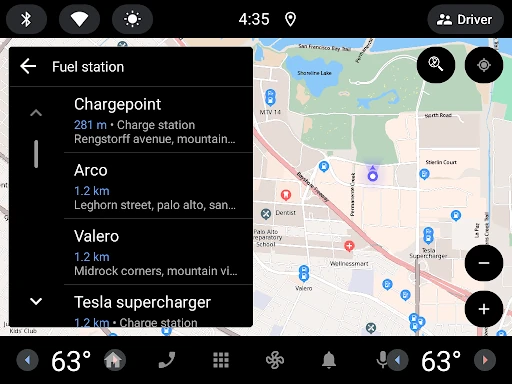
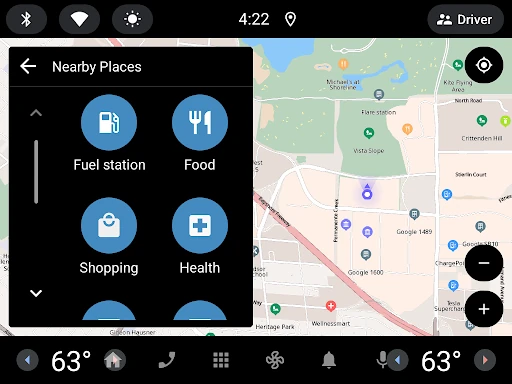
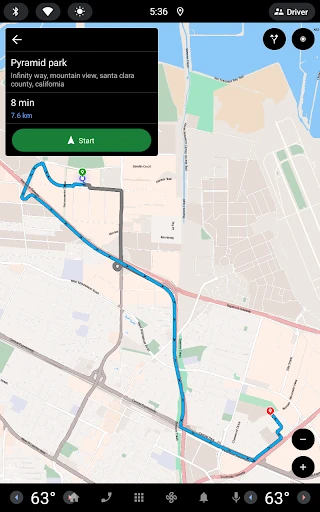
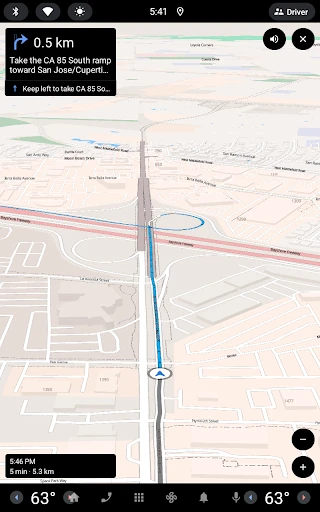

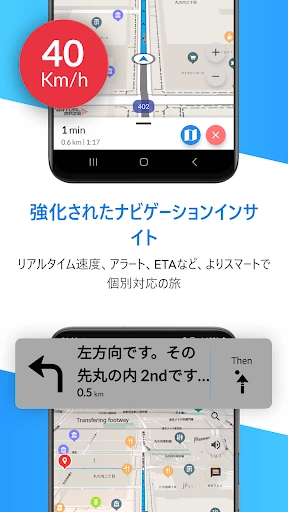

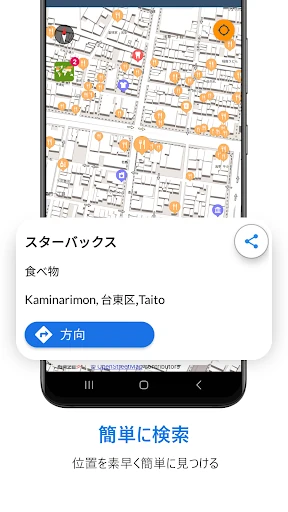

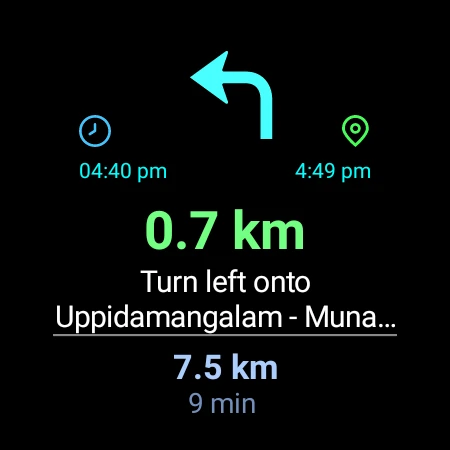
Click to download now, finish the installation quickly, and directly unlock the all-round experience
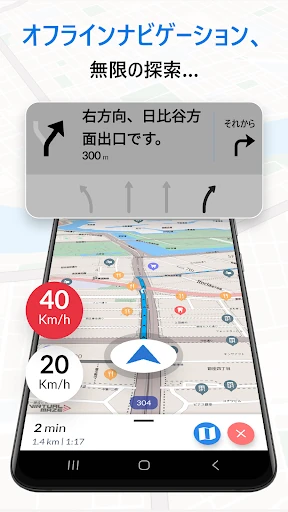
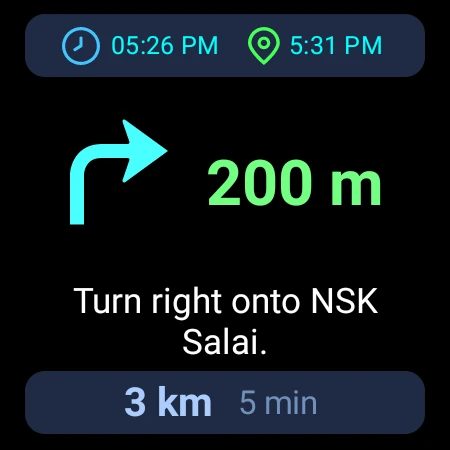
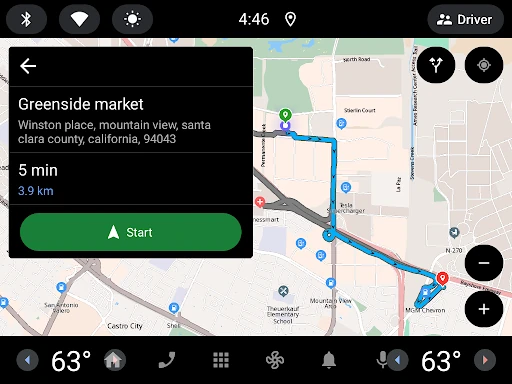
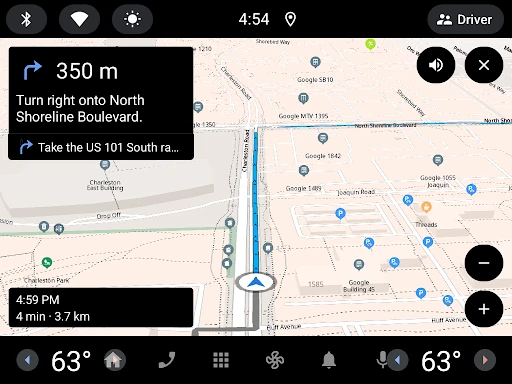
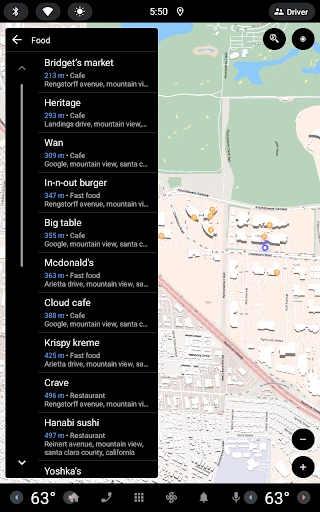
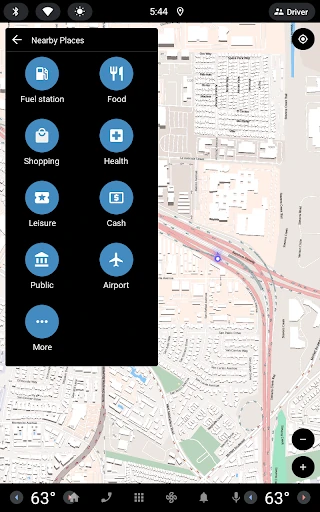
Offline Map Navigation is a maps and navigation app from VirtualMaze. Its main purpose is to help people find places and follow routes when a reliable mobile signal is not available. Users can save map areas to the device, search for places offline and use navigation without depending on continuous cellular data.
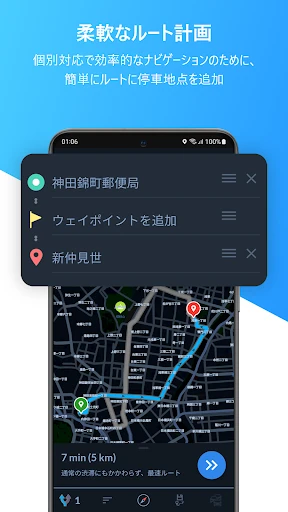
This app is a practical fit for drivers, cyclists and pedestrians who travel through areas with weak coverage, take trips abroad or want a backup when a connection drops. It may also be useful for longer journeys that include several stops, since routes can be planned with multiple waypoints. Electric vehicle drivers can use routes that include charging stations.
The app has a rating of 4.28 out of 5 from about 93,394 reviews. It is listed with 5,000,000+ installs, so it has a sizeable user base beyond occasional or specialist use. Those figures offer useful context, but they do not show whether its map coverage, route information or interface will suit a particular person.
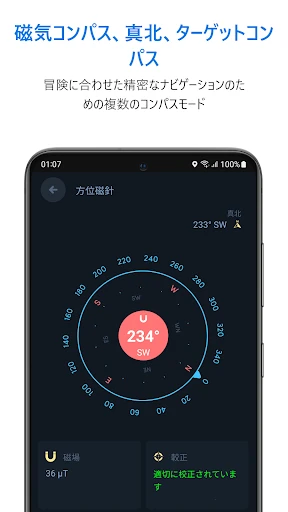
Check which regions need to be saved in advance and whether the intended user is comfortable managing offline map data. The extra driving views may be helpful on motorways and at busy junctions, while walkers and cyclists may prefer a simpler map screen. As with any navigation app, route details should be checked against road signs and local conditions.