Pixel Studio: pixel art editor
Hippo Games AM
Downloads
5,000,000+
Version
Latest
Advertisement
Click to download now, finish the installation quickly, and directly unlock the all-round experience
Advertisement
Screenshots
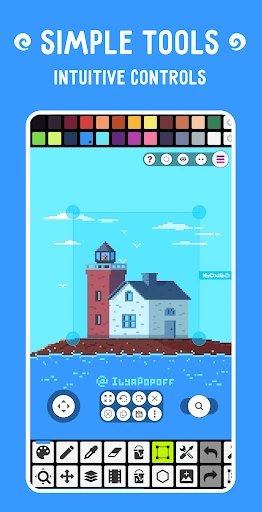
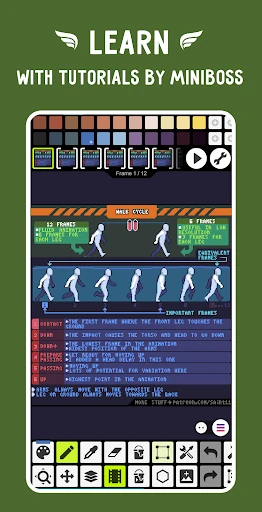
Click to download now, finish the installation quickly, and directly unlock the all-round experience
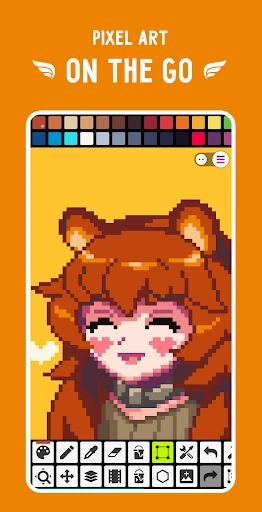
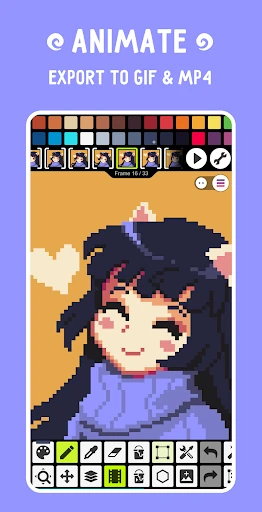
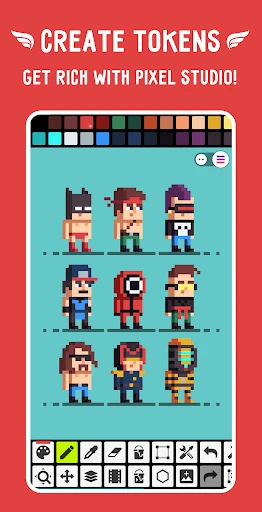
Pixel Studio: pixel art editor is an Art & Design app for making and editing pixel artwork on a phone or tablet. It suits people creating game sprites, small illustrations, icons, and other images built from individual pixels. The app also supports frame-by-frame animation, so it can be used for short animated sequences as well as still images.
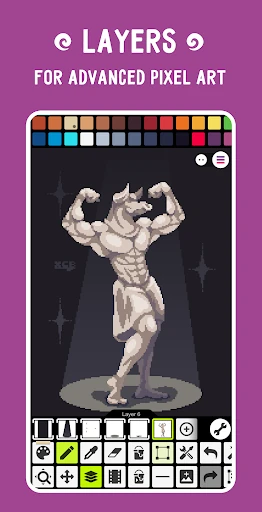
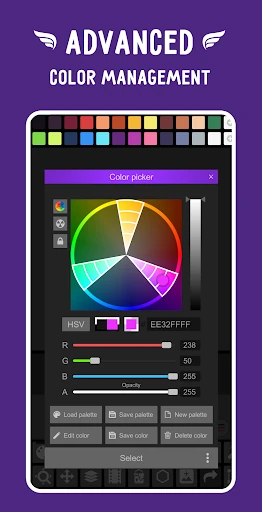
The editor includes tools intended for precise, low-resolution drawing rather than general freehand painting. Users can work with layers, adjust colours, and use features such as onion skinning when building animation frames. Support for a range of styluses, including the S Pen, may make detailed edits easier on compatible devices.
Pixel Studio is a practical fit for hobby artists, game asset creators, and anyone learning pixel art away from a desktop computer. Its format support is useful when a project needs to move between mobile software and other creative tools. People looking only for a very simple drawing pad may find the larger set of editing and animation controls more than they need.
The app is made by Hippo Games AM and has a 4.68 out of 5 rating from about 85,852 reviews. It has recorded 5,000,000+ installs, giving a clear indication that it is used well beyond a small specialist audience. Those figures are useful context, but the main choice is whether its pixel-focused workflow matches the kind of art the intended user wants to make.